Tech Insights
Windows 10 vs Windows 11 Which One Is Better for Your PC in 2026?
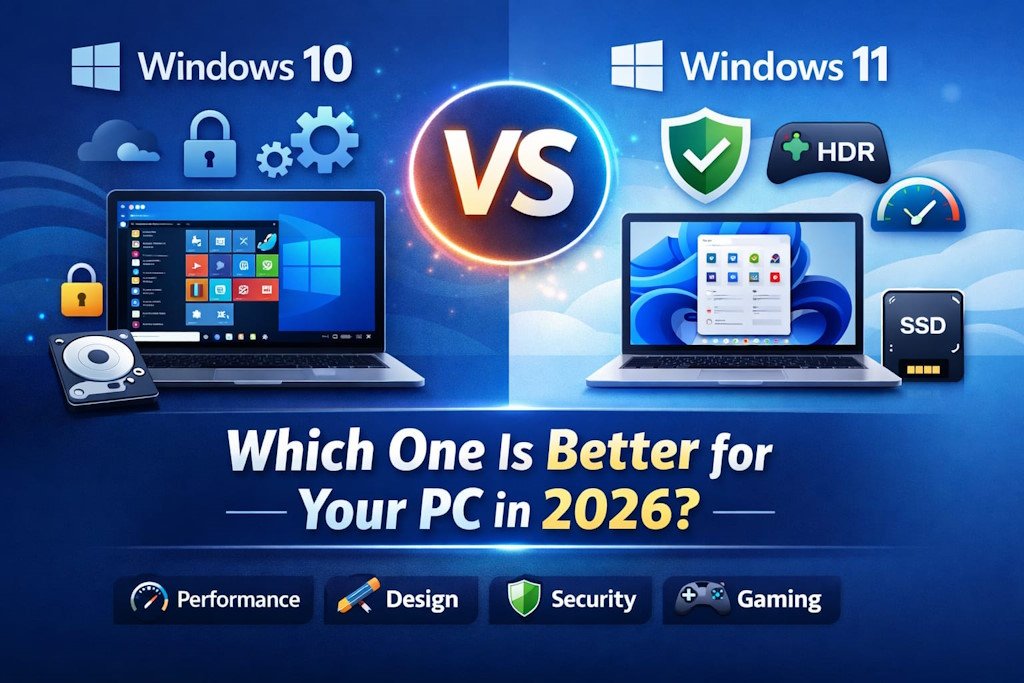
Windows 10 vs Windows 11: Which One Is Better for Your PC in 2026?
— Introduction
Choosing the right Windows version is important for performance, security, and productivity. With Windows 10 still widely used and Windows 11 steadily growing, users often wonder which version is best for their PC in 2026.
This blog will break down the key differences between Windows 10 and Windows 11, covering performance, design, security, gaming, and compatibility so you can make an informed decision.
Performance and Speed:
Windows 10:
Lightweight and stable, especially for older hardware
Faster boot times on PCs with HDD storage
Runs smoothly on low-spec devices
Windows 11:
Optimised for modern PCs with SSDs
Better multi-tasking and gaming performance
Supports Direct Storage and Auto HDR for faster game loading
🔗 Learn more about Windows 11 performance: https://learn.microsoft.com/
👉 Microsoft – Windows 11 Specs: https://www.microsoft.com/en-us/windows/windows-11-specifications
💡 Takeaway: If your PC is modern, Windows 11 offers faster performance, especially for gaming and creative tasks. Windows 10 is ideal for older or budget machines.
User Interface and Design:
Windows 10:
Classic Start Menu and Taskbar
Familiar interface for longtime users
Limited touch screen support
Windows 11:
Centred Start Menu and taskbar
Rounded corners, sleek animations, and modern look
Enhanced touch, pen, and voice input for tablets and 2-in-1 devices
🔗 Explore Windows 11 design features: https://www.microsoft.com/en-au/windows/windows-11
👉 Windows Central – Windows 11 Review: https://www.windowscentral.com/microsoft/windows/windows-11
💡 Takeaway: Windows 11 offers a fresh and modern experience, while Windows 10 keeps things simple and familiar.
Security Features:
Windows 10:
Standard Windows Defender protection
Regular security updates (support until 2025)
Firewall and basic threat detection
Windows 11:
TPM 2.0 requirement ensures hardware-based security
Advanced malware protection and secure boot
Integration with Microsoft Defender for Business
🔗 Learn about Windows 11 security: https://learn.microsoft.com/en-us/windows/security/book/
👉 Microsoft Security Features: https://www.microsoft.com/en-us/windows/learning-center/windows-11-security-features
💡 Takeaway: Windows 11 is more secure by default, making it a better choice for businesses and privacy-conscious users.
Compatibility:
Windows 10:
Works with older hardware and applications
Wide compatibility with legacy software
Windows 11:
Requires modern CPUs, TPM 2.0, and UEFI firmware
Best for new apps, cloud services, and modern games
💡 Tip: Check your PC’s compatibility before upgrading:
🔗 PC Health Check Tool: https://support.microsoft.com/en-us/windows/
Gaming Experience:
Windows 10:
Supports DirectX 12
Standard gaming experience
Windows 11:
Direct Storage reduces load times and improves in-game performance
Auto HDR improves visual quality in supported games
Optimised for Xbox Game Pass and cloud gaming
💡 Takeaway: Gamers benefit most from Windows 11 features.
Updates and Support
Windows 10:
Mainstream support ended in October 2025; limited updates continue
Windows 11:
Regular feature updates and security improvements in 2026 and beyond
🔗 Check official Windows support: https://support.microsoft.com/en-us
👉 Microsoft Lifecycle Policy: https://learn.microsoft.com/en-us/lifecycle/
Productivity and Multitasking:
Windows 10:
Supports multiple desktops
Snap Assist for basic multitasking
Windows 11:
Enhanced Snap Layouts and Snap Groups for better multitasking
Virtual desktops with custom backgrounds
Integrated Teams app for work and communication
💡 Takeaway: Windows 11 improves workflow for professionals and students using multiple apps at once.
Conclusion:
In 2026, Windows 11 is the better choice for modern PCs, offering improved performance, security, gaming features, and a fresh interface. Windows 10 remains a solid option for older computers or users who prefer a familiar, stable environment. Choose the version that best fits your hardware and usage needs.

About Byteimpact
ByteImpact, is a tech entrepreneur specialising in web development, software solutions, SEO, and digital innovation, with a mission to make technology practical and accessible for everyone.
View all posts by Byteimpact